You are able to show both Parent/Guardian names on Invoices & Statements within Discover. To do so:
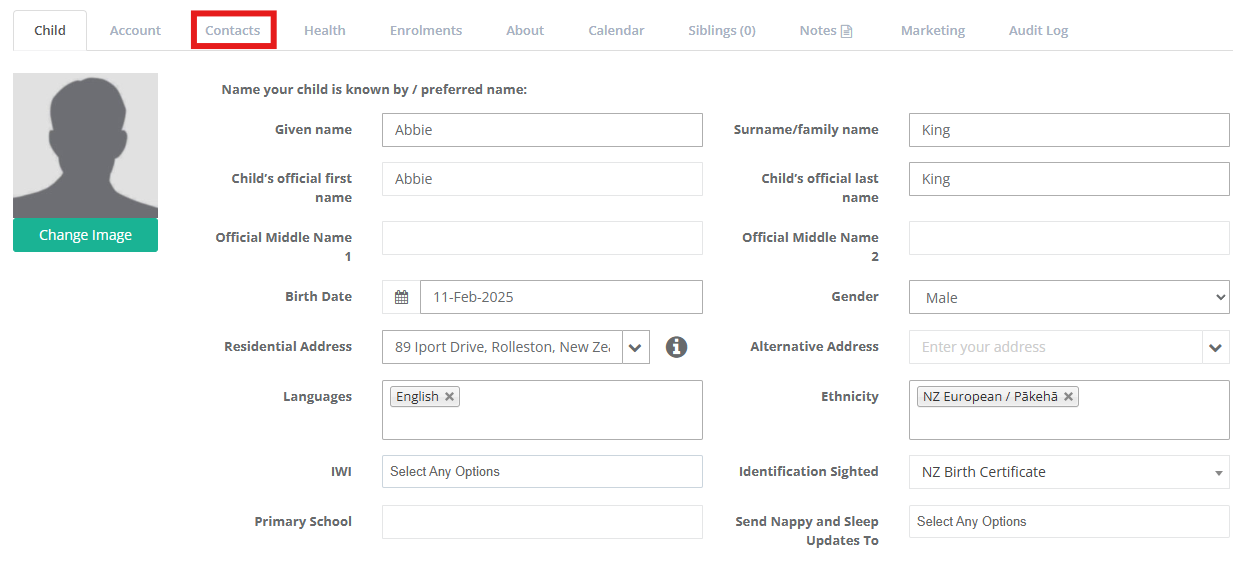
Navigate to the relevant child's profile and access the Contacts Tab.
Select the relevant billpayer and scroll down to the Bill Payer Details section and select Save.
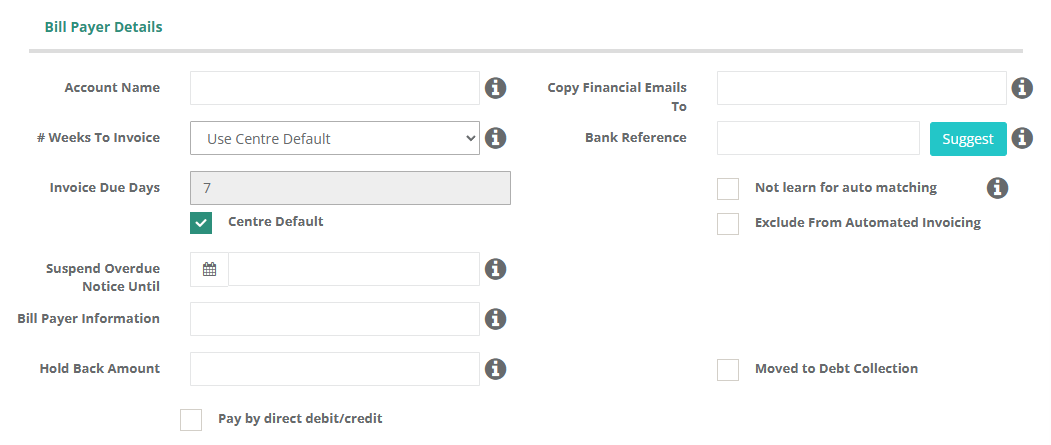
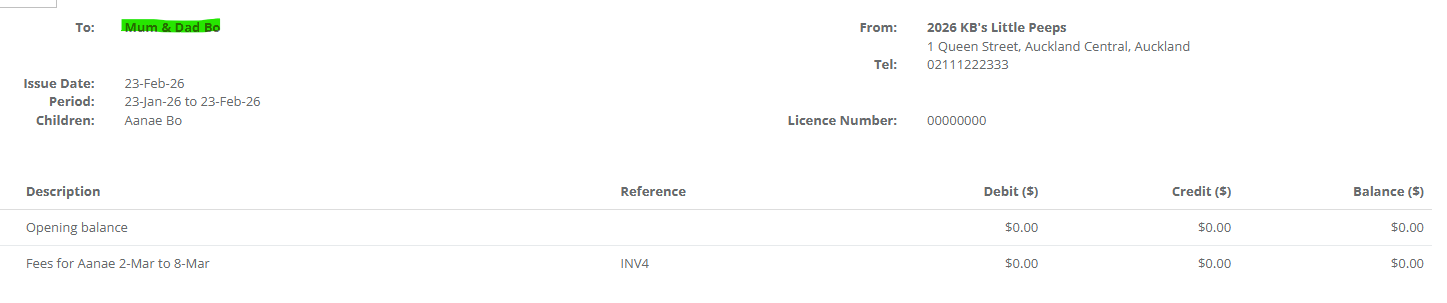
Add both the desired additional names within the Account Name field. Once completed your invoices will be ammended to look like:
Within this section you can also choose to send a copy of the invoice to additional addresses by entering further email addresses with Copy Financial Emails To. Once saved, whenever an email is sent out containing an Invoice or Statement to the Bill Payer, an additional email will be sent to the listed addresses.
Was this article helpful?
That’s Great!
Thank you for your feedback
Sorry! We couldn't be helpful
Thank you for your feedback
Feedback sent
We appreciate your effort and will try to fix the article