Once a staff member logs in, they can see all children booked in for the current day
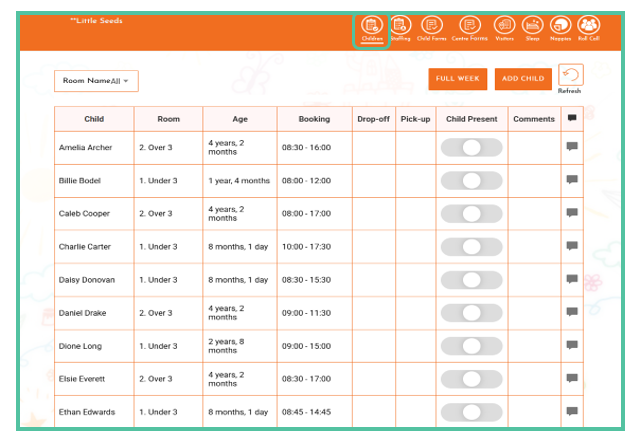
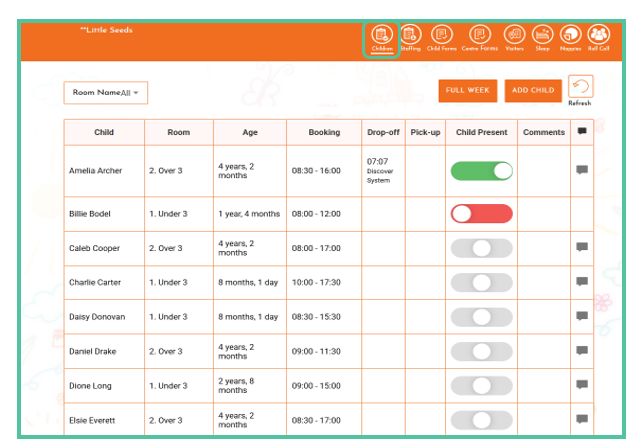
Then the teacher can slide the toggle to the right (turns green) to sign the child in, slide to the left (turns red) to mark the child as absent or leave it in the middle (remains grey), indicating "unknown". This will then sync through to Discover.
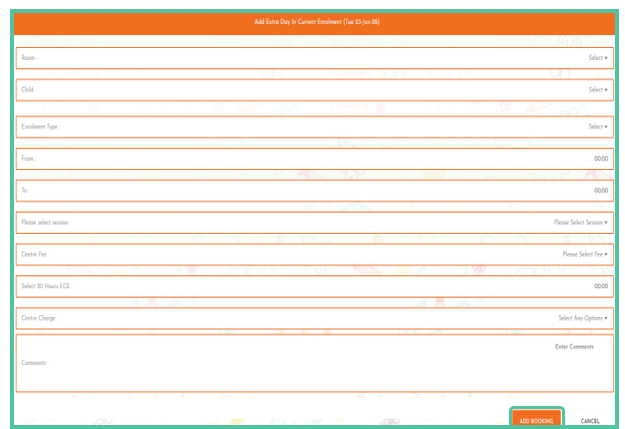
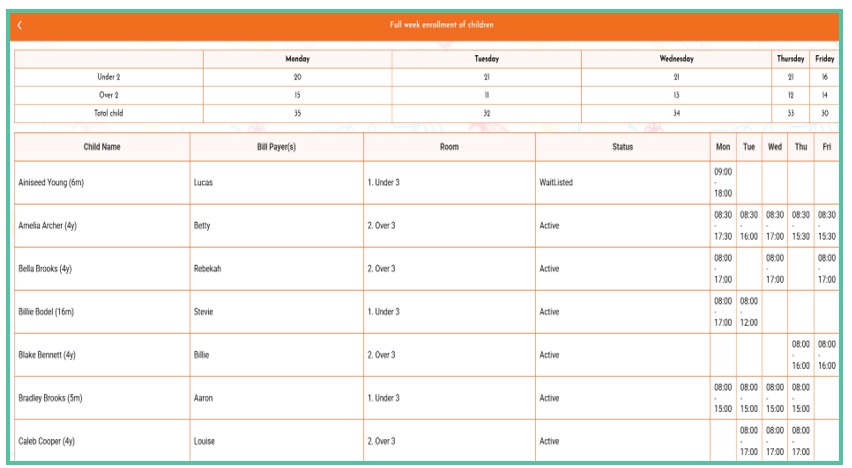
Click on Full Week to see the full week of children's enrolments
Was this article helpful?
That’s Great!
Thank you for your feedback
Sorry! We couldn't be helpful
Thank you for your feedback
Feedback sent
We appreciate your effort and will try to fix the article