Fortnightly
Go to Reports > Financial Reports > Homebased Payments Report
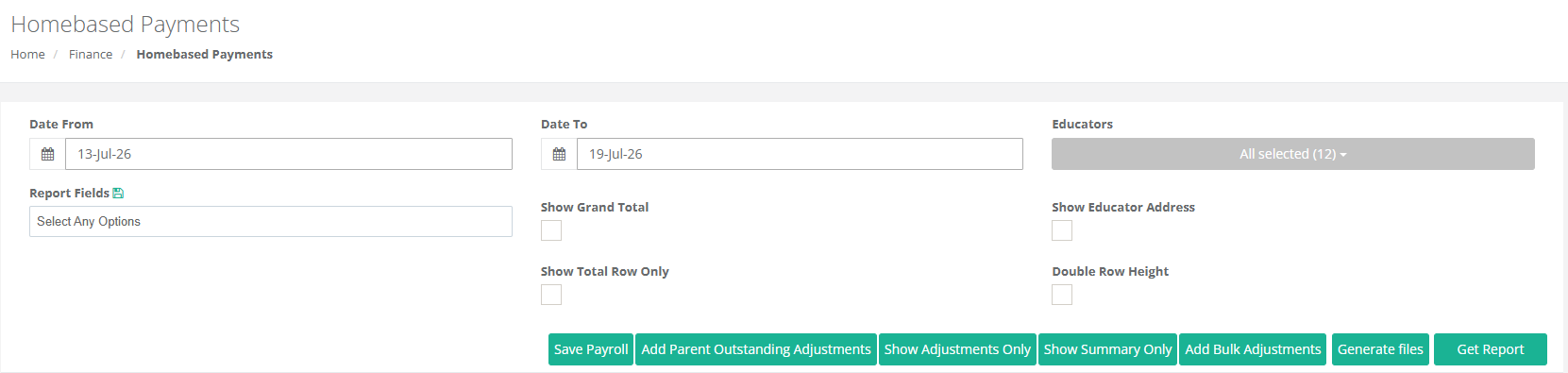
Select the Date Range, Report Fields you want to use, Settings for the Report
Then Select Get Report
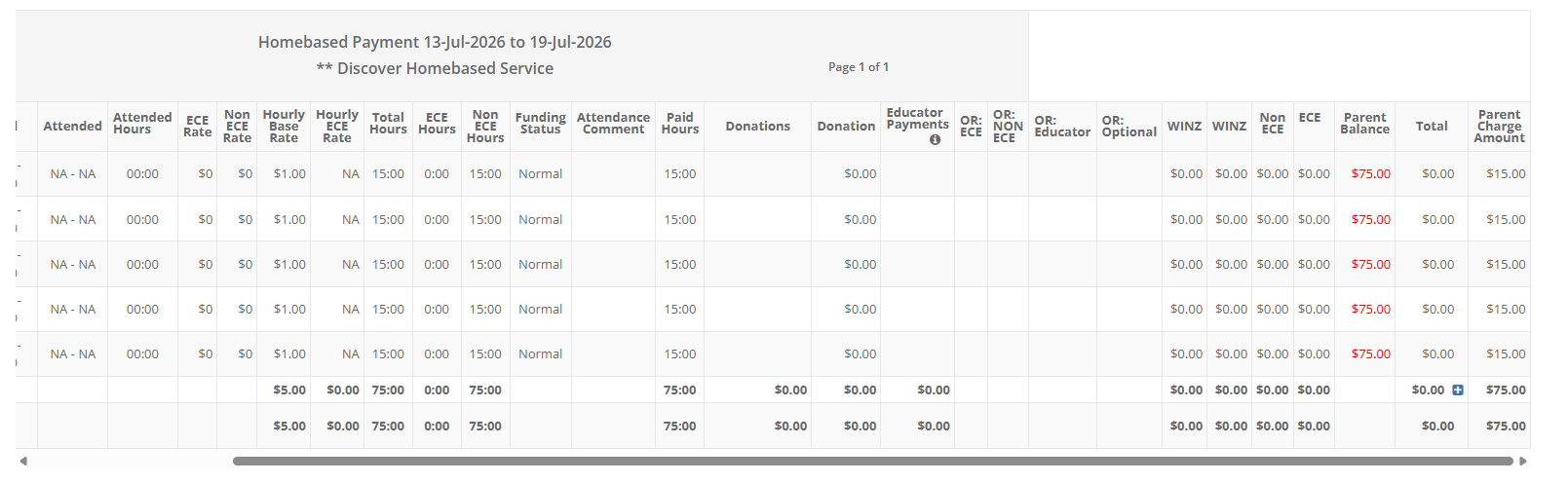
 Keep in mind this is a test service with all fields selected for the report and no attendance times entered.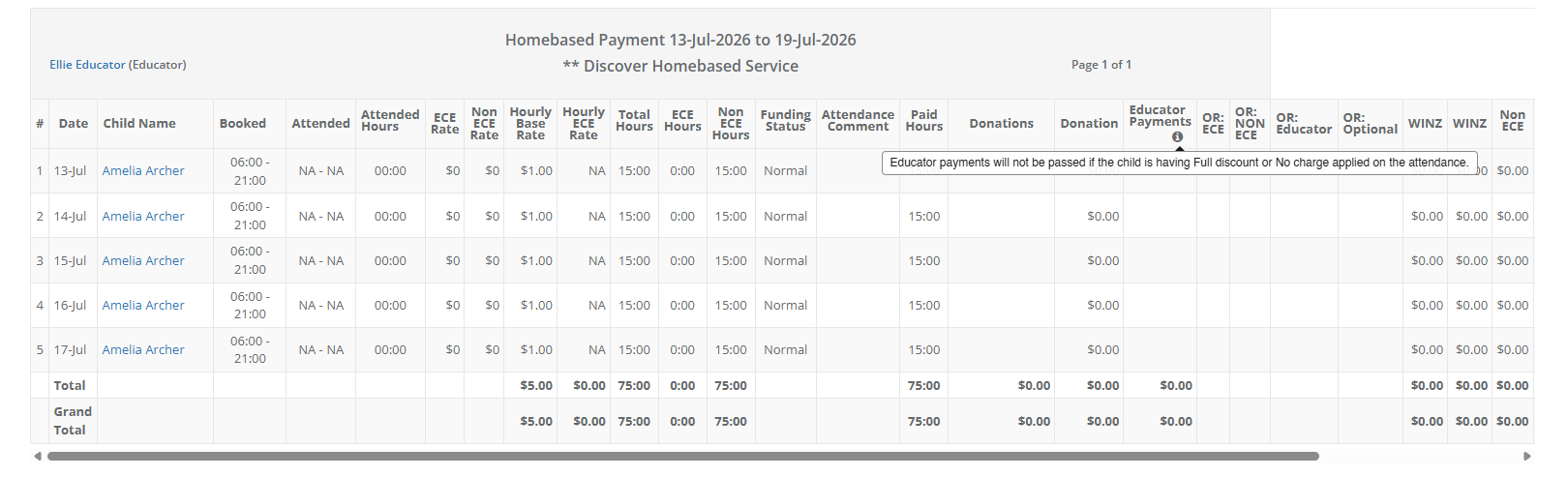
Was this article helpful?
That’s Great!
Thank you for your feedback
Sorry! We couldn't be helpful
Thank you for your feedback
Feedback sent
We appreciate your effort and will try to fix the article