Parents/Guardians need the following to be able to access the Home App/Web.
1. A unique Email address
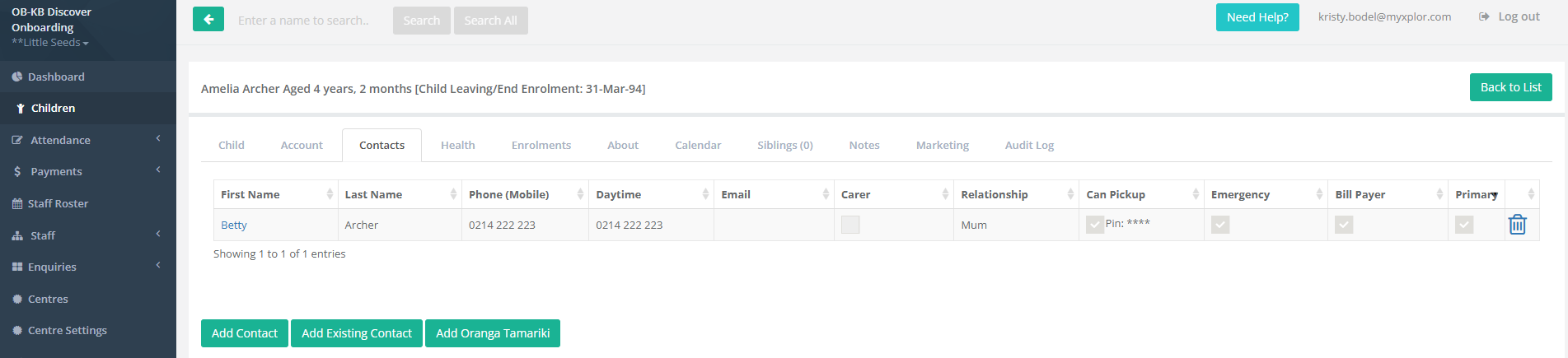
2. Have Primary Carer Ticked
3. Have Can Pick Up Ticked
To check this information
- Go to Reports
- Children Reports
- Contact Report
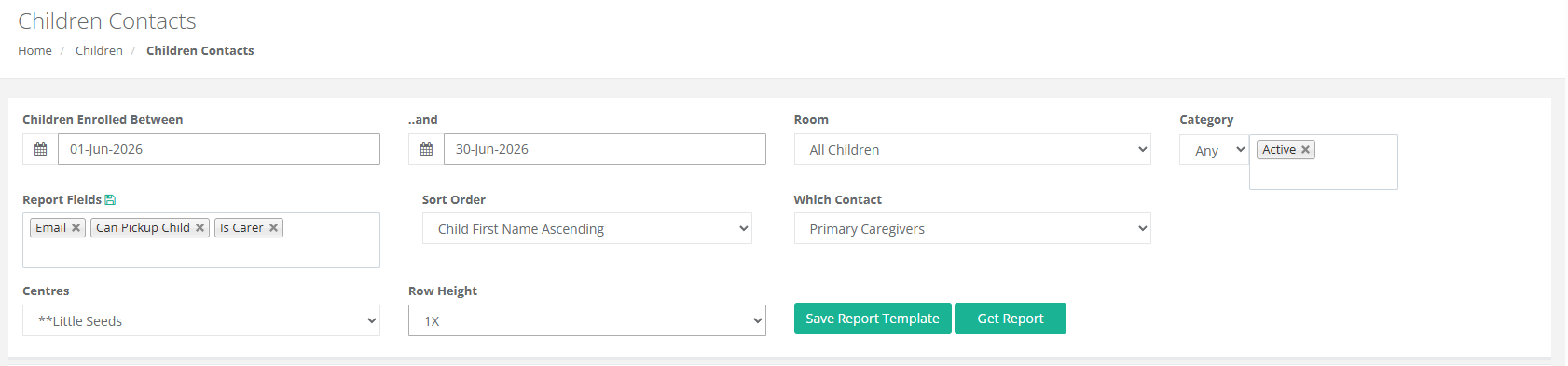
To add in any missing information
- Go to the Children Menu
- Select the Child
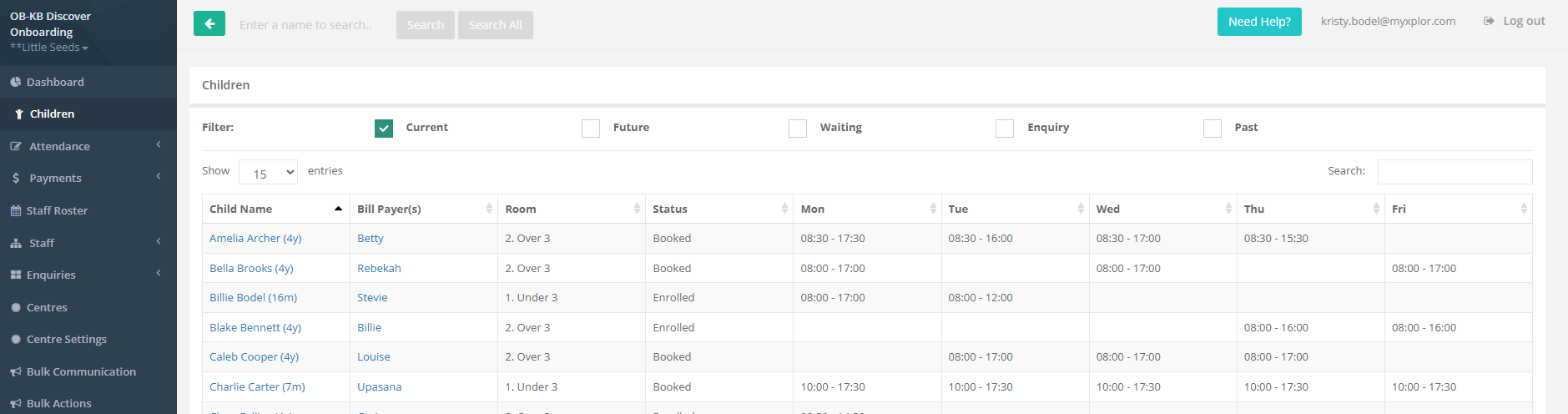
- Go to the Contact Tab
- Select the Contact
- Add in the missing information
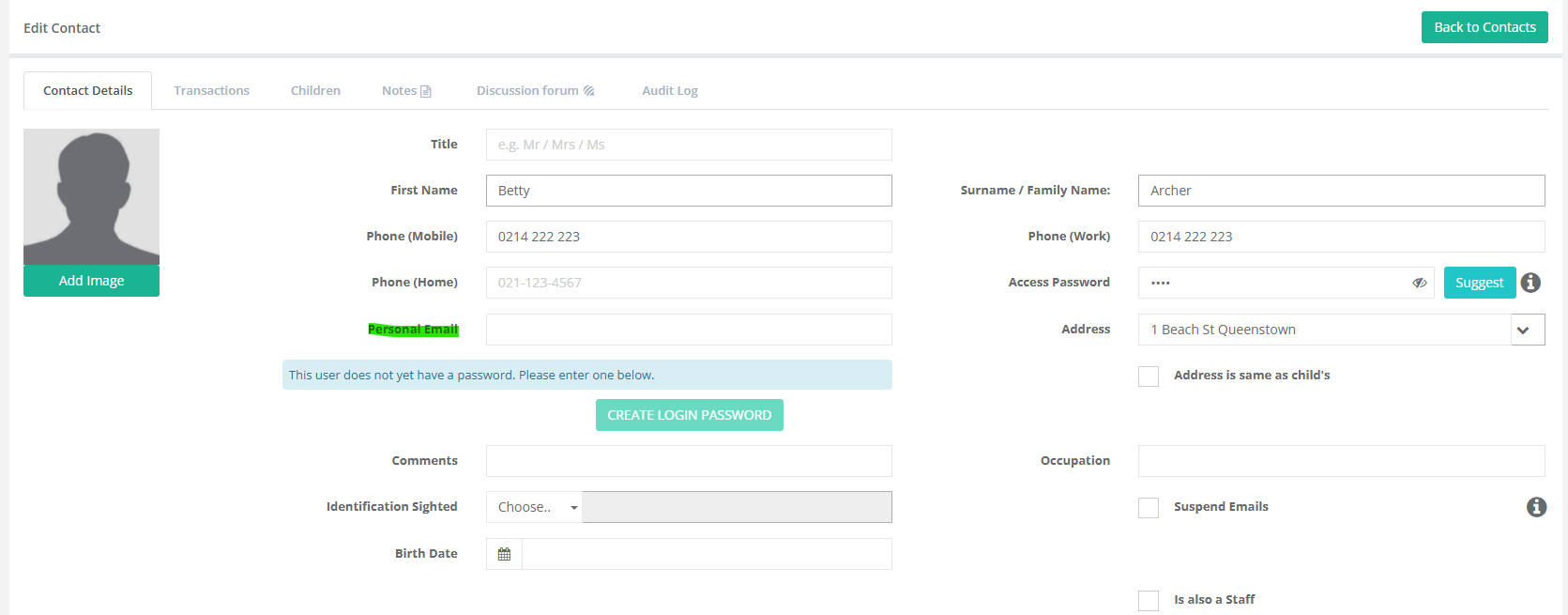

- Select Save
Please Note: Only the Billpayer can access the Financial Information via the Home App
If Primary Carer is not ticked, there will be functions missing from the App: Such as Attendance Verification.
Was this article helpful?
That’s Great!
Thank you for your feedback
Sorry! We couldn't be helpful
Thank you for your feedback
Feedback sent
We appreciate your effort and will try to fix the article